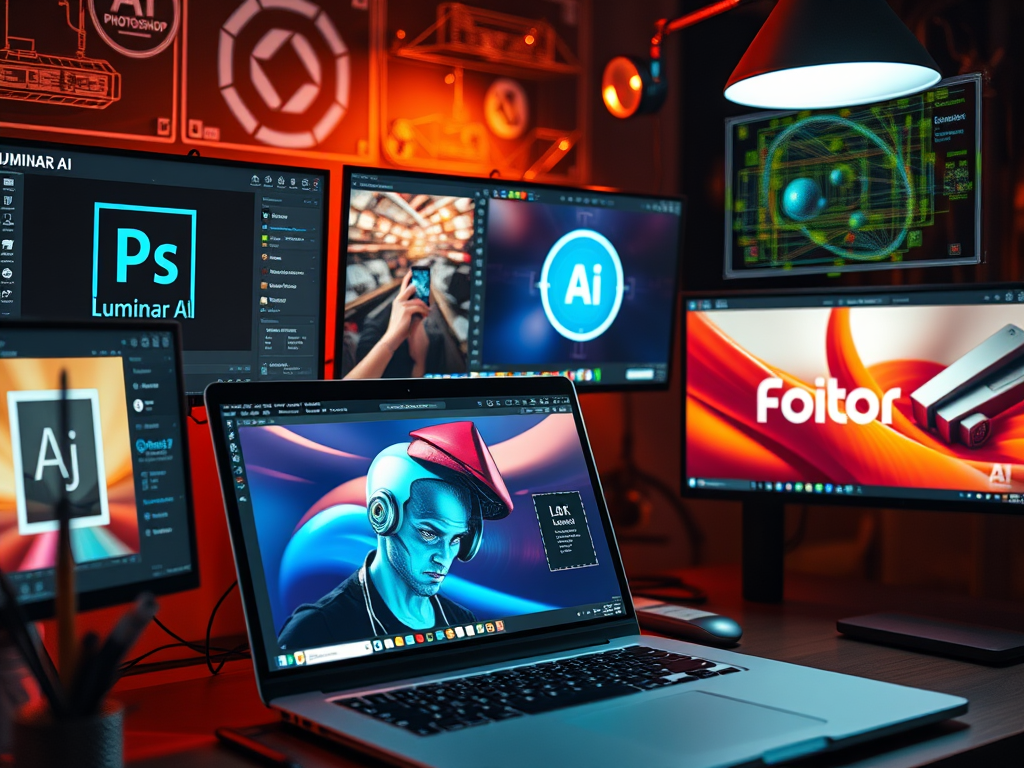
Artificial Intelligence (AI) has revolutionized the way we interact with digital media. With AI-powered tools, we can now edit and enhance images quickly and easily. In this blog, we will discuss the best AI tool to edit images and take your image editing skills to the next level.
1.) Adobe Photoshop
Adobe Photoshop is one of the most popular and versatile image editing tools available. With the integration of AI technology, Photoshop’s capabilities have increased significantly. It includes AI-powered features like Object Selection Tool, Content-Aware Fill, and Neural Filters. These features make it easier to edit images with greater precision and accuracy.
Advantages:
- Powerful AI-powered features for advanced image editing.
- A wide range of tools and features for all types of image editing.
- Access to a vast community of Photoshop users for help and support.
Disadvantages:
- Expensive monthly subscription model.
- Steep learning curve for beginners.
2.) Luminar AI
Luminar AI is an AI-powered image editing tool that uses machine learning algorithms to automate complex editing tasks. It offers several AI-powered features like AI Sky Replacement, AI Skin Enhancer, and AI Structure. These features make it easy to enhance images with just a few clicks.
Advantages:
- User-friendly interface with easy-to-use AI-powered features.
- Affordable one-time purchase model.
- Automated editing tasks save time and effort.
Disadvantages:
- Limited advanced editing options compared to Photoshop.
- Not suitable for professional-level image editing.
3.) Pixlr
Pixlr is a web-based image editing tool that uses AI to automate image editing tasks. It offers a wide range of tools and features for image editing, including AI-powered background removal and object selection. Pixlr also provides an extensive library of templates, stickers, and overlays that can enhance your images with just a few clicks.
Advantages:
- User-friendly interface with easy-to-use AI-powered features.
- Affordable pricing model, including a free version.
- Web-based platform allows easy access from any device.
Disadvantages:
- Limited advanced editing options compared to Photoshop.
- Slow processing times for complex editing tasks.
4.) Fotor
Fotor is a web-based image editing tool that uses AI technology to enhance images. It offers several AI-powered features, including AI-powered portrait editing, which can enhance facial features and remove blemishes. Fotor also includes a wide range of templates, stickers, and filters that can enhance your images with just a few clicks.
Advantages:
- User-friendly interface with easy-to-use AI-powered features.
- Affordable pricing model, including a free version.
- Wide range of templates, stickers, and filters to enhance images.
Disadvantages:
- Limited advanced editing options compared to Photoshop.
- Slow processing times for complex editing tasks.
Conclusion
In conclusion, each of the above AI tools has its advantages and disadvantages. Adobe Photoshop is the most powerful and versatile image editing tool with advanced AI-powered features. Luminar AI, Pixlr, and Fotor are more affordable and user-friendly options that use AI to automate editing tasks. Choosing the best AI tool for image editing will depend on your budget, level of expertise, and image editing requirements. Whatever tool you choose, AI-powered image editing tools can significantly enhance your image editing skills and help you create stunning visual content.
 thedarshside